
JupyterHub sessionAuthenticated & running
LIVEEnd-to-end platform
Course to code to capability—all in one place.
Quived combines course delivery, seamless JupyterHub integration, quantum-ready notebooks, collaboration, assessment, and program insight into one learning environment.
Seamless JupyterHub integration
The notebook lab appears where learning happens.
Quived connects identity, course context, and notebook-session lifecycle to JupyterHub, so learners enter a managed environment without leaving the learning flow.
NotebookAutosave active
SAVEDLearningProgress connected
TRACKEDFramework support
Choose the right quantum tool for the experiment.
Quived’s kernel and template system supports multiple quantum development paths, including GPU-capable profiles for accelerated simulation.

Circuit development
Quantum circuits · simulationQiskit
Build and execute circuits with Qiskit and Aer-based simulation inside managed notebook environments.

Hybrid workflows
Quantum ML · GPU profilePennyLane
Explore differentiable quantum programming and hybrid quantum-classical work, with Lightning-GPU runtime support.
Accelerated computing
Hybrid kernels · NVIDIA GPUCUDA-Q
Use CUDA-Q templates for hybrid quantum-classical kernels and NVIDIA GPU-backed simulation where available.
The broader kernel catalog also includes Cirq and extensible custom environments.
Platform capabilities
Purpose-built for active quantum education.
From a learner’s first module to institution-level insight, each part of quived is designed to keep the work connected.
Course studio
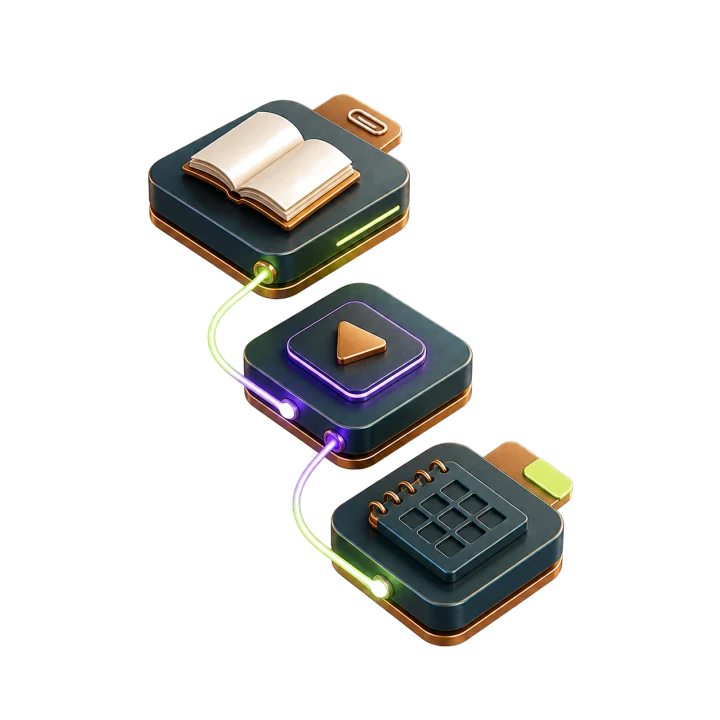
Build a path, not a folder of links.
Create courses by level and category, define prerequisites, control enrollment and publishing, and arrange content into ordered modules.
- Text and Markdown lessons
- Videos, notebooks, and attachments
- Course dates and enrollment limits
JupyterHub workspace
Launch the lab, not the setup guide.
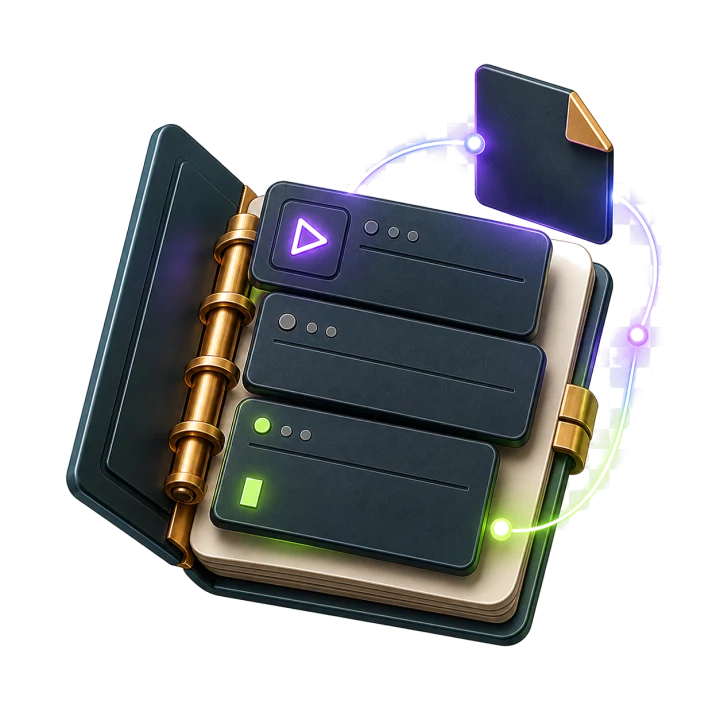
Start and manage per-user Jupyter notebook sessions from Quived, with authentication, server lifecycle, code execution, and standard notebook files connected.
- Seamless authenticated sessions
- Persistent notebook workspaces
- Autosave and kernel controls

Quantum environment
The essential frameworks, ready together.
Use managed environments for Qiskit, PennyLane, and CUDA-Q, with Cirq and custom kernel options in the wider catalog.
- Kernel status and switching
- CPU and GPU runtime profiles
- Runtime resource monitoring
Collaboration & history
Share context, not screenshots.
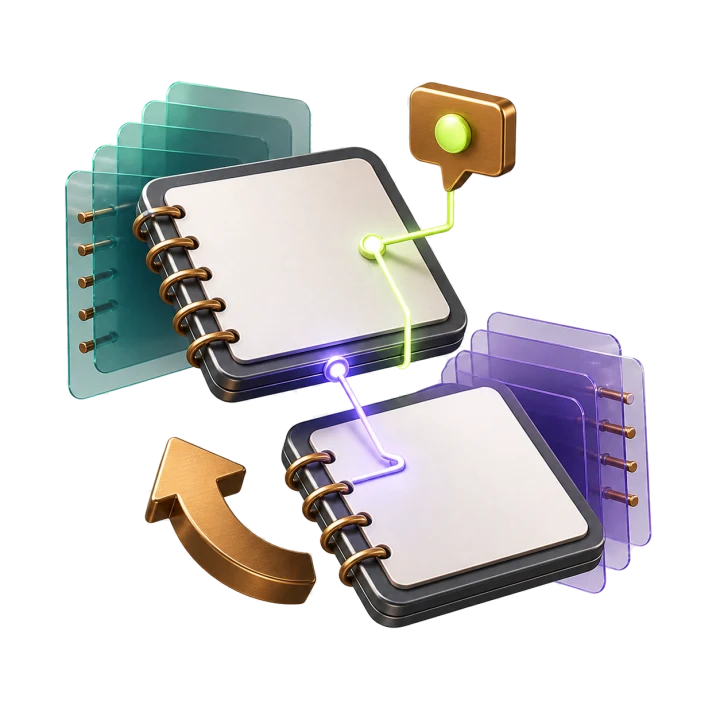
Invite others with read or write permission and keep the conversation attached to the notebook itself.
- Cell-level comments and replies
- Version comparison and restore
- Individual and bulk sharing
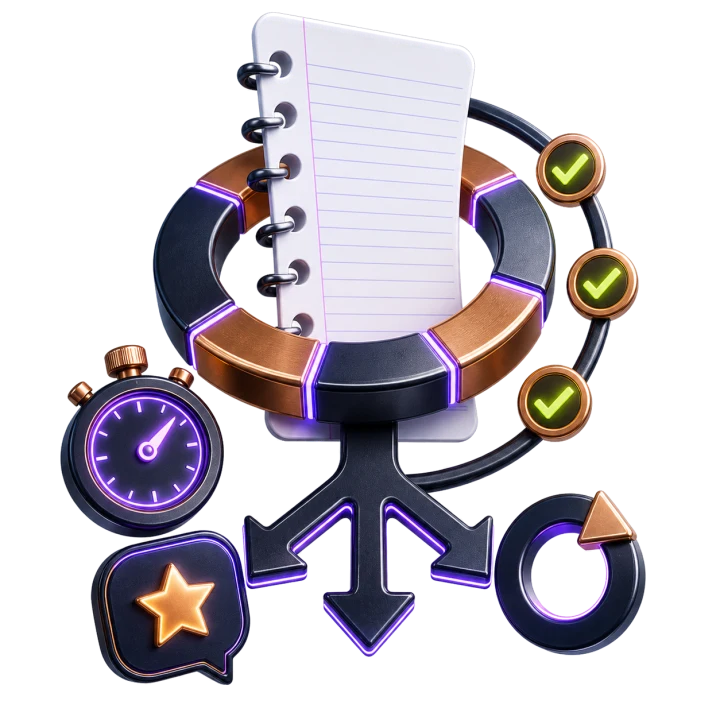
Notebook assessment
Assess the work learners actually do.
Run assignments, quizzes, and timed exams around notebook submissions, with flexible grading and attempt policies.
- Manual and code-based auto-grading
- Feedback and controlled grade release
- Retakes, cooldowns, and attempt history
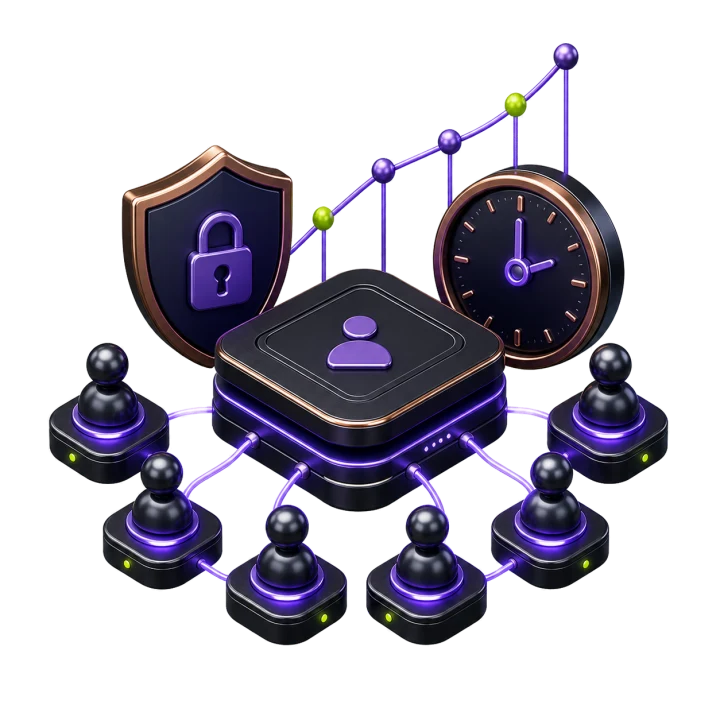
Teaching operations
See the cohort, not just the content.
Give instructors and institutions practical controls for courses, people, branding, and learning performance.
- Rosters and course analytics
- Institution member management
- Analytics exports and scheduled reports
Proposed technical roadmap · AI learning assistance
A trusted quantum learning copilot, built in layers.
Planned direction
AI/LLM capabilities are roadmap items, not current product claims. Each phase is designed to preserve educator control, learner agency, and institution data boundaries.
Foundation available today
Structured learning context already lives in one system.
Courses, notebook sessions, permissions, submissions, comments, grading, progress, and analytics provide the governed context an effective learning assistant will need.
- 01Learning recordsCourse · notebook · rubric
- 02Context layerPermission-aware retrieval
- 03Model gatewayProvider-neutral routing
- 04Learning modesExplain · hint · reflect
- 05EvaluationQuality · safety · audit
Permission-aware knowledge and retrieval
Build the grounding layer that gives an LLM only the course, notebook, rubric, and institution content a learner is authorized to use.
- Content ingestion and chunking
- Tenant-aware retrieval and citations
- Notebook cell and execution context
- PII filtering and retention controls
A notebook-aware quantum copilot
Introduce learning modes that explain concepts, interpret errors, and offer progressive hints without replacing the learner’s reasoning.
- Socratic, explain, and debug modes
- Circuit and result interpretation
- Framework-aware guidance
- Educator-configurable assistance levels
Human-guided formative assessment
Help educators respond faster while keeping grading authority and final feedback with people.
- Rubric-aligned feedback drafts
- Misconception and error clustering
- Practice-question generation
- Human approval before grade release
Personalized paths and program insight
Turn validated learning signals into next-step recommendations for learners and timely intervention cues for educators.
- Mastery and confidence signals
- Adaptive module recommendations
- Multilingual learning support
- Cohort-level intervention insight
Architecture requirements
Trust is part of the stack.
Provider-neutral model routing, institution-level opt-in, auditable interactions, evaluation suites, cost and latency observability, configurable data retention, and a path to private or self-hosted models.
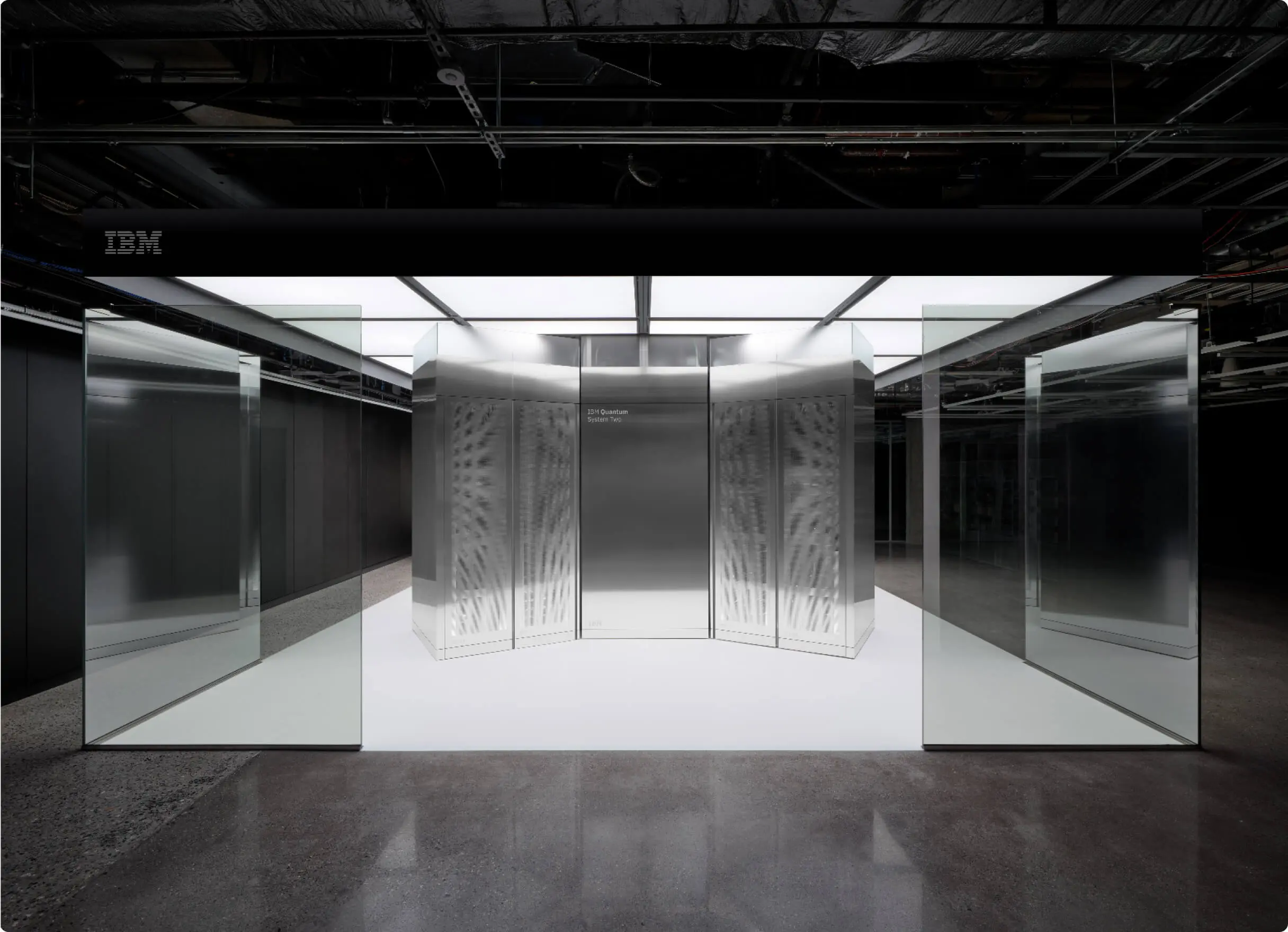

From circuit to machine
Learn the whole quantum stack.
The clean circuit in a notebook ultimately meets extraordinary physical hardware: processors, control electronics, and cryogenic systems engineered to operate near absolute zero.
quived gives learners a practical bridge between the abstraction and the machine—so hardware constraints become part of the intuition, not a footnote.
Explore the real hardware at IBM Quantum Photography: IBM Quantum.Designed around people
One platform. Three clear workflows.
Learners, educators, and institutions see the tools that match their responsibilities while staying part of the same learning environment.
Learn → run → improve
- 01
Enroll and follow ordered modules.
- 02
Launch or import a notebook and execute code.
- 03
Submit work and follow feedback and progress.
Compose → guide → assess
- 01
Mix explanations, video, files, and notebooks.
- 02
Manage rosters and discuss work in context.
- 03
Grade submissions and review course analytics.
Organize → support → understand
- 01
Brand the learning environment.
- 02
Invite and manage members and courses.
- 03
Review engagement, completion, and reports.
Bring the learning loop together
Explore quived for your cohort.
Talk with the team about notebooks, assessment workflows, course delivery, or an institution workspace.